Your own supervisor. Your own assistant, at home.
brings an assistant to your household, with Claude Code, Codex, Grok or a configured local Ollama model. Run it on your own server, then type or talk from your browser or Apple devices.
is short for supervisor.
- Browser
- iPhone
- Apple Watch
- Apple TV
- Mac
Signup link will be added before launch.
Currently in private preview. Public release is planned.
One app for the whole house.
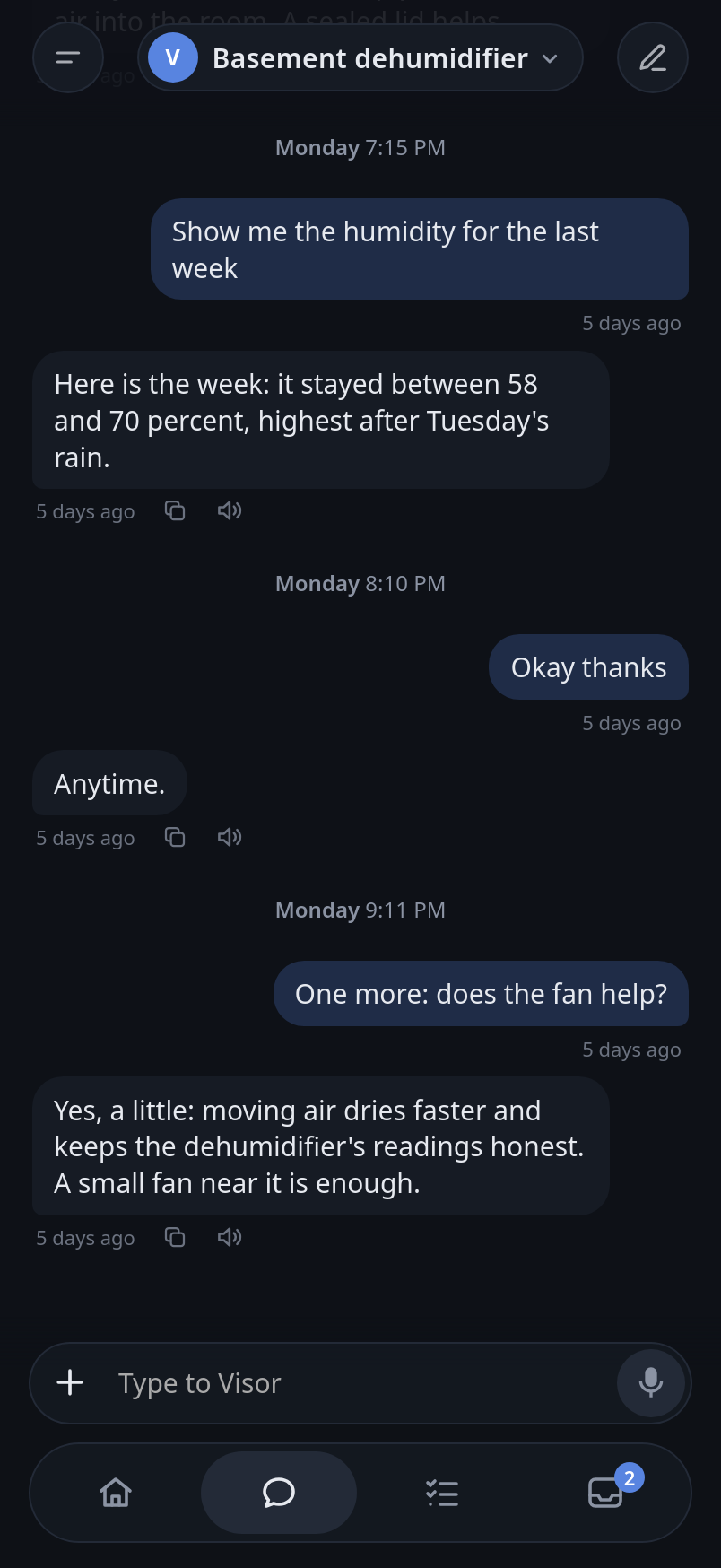
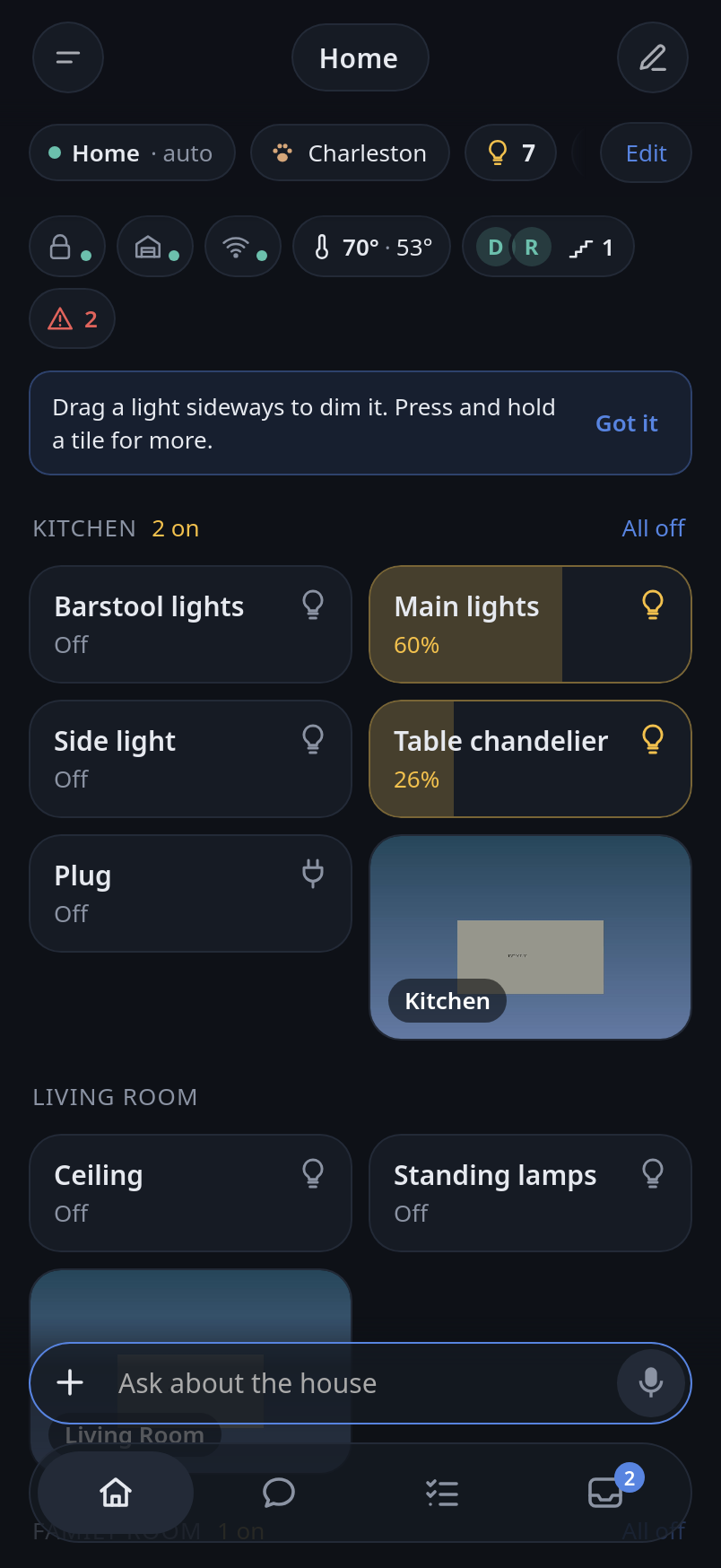
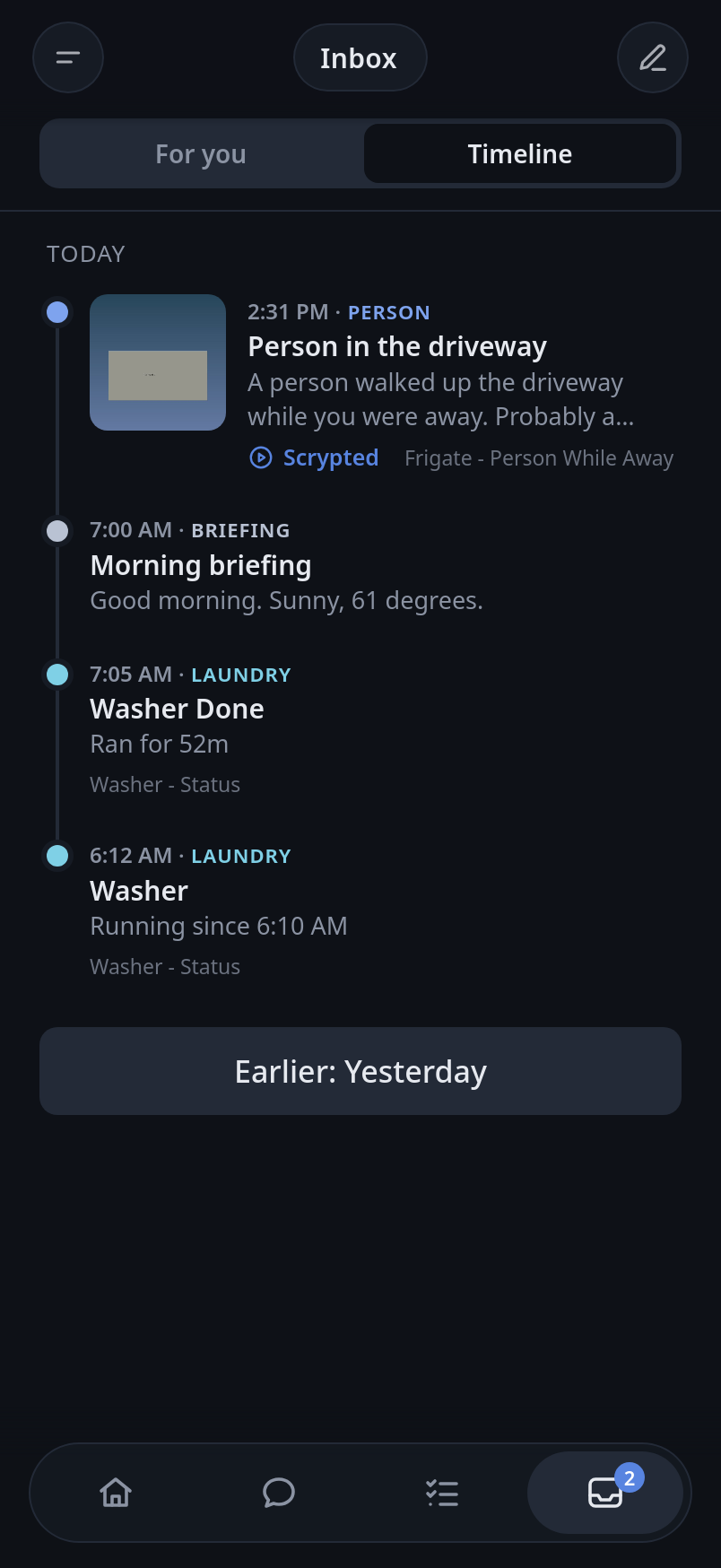
Conversations, a household Inbox, and optional home controls. The conversations and screens shown here are fictional examples of a configured home; home controls, camera search and Maps features need their optional connections.
How it works.
Start with a conversation. Add the parts your household needs.
Start with Docker
Run the containers on your server, open the local homepage, and create your owner account.
Choose your assistant
Follow guided setup to configure your assistant. Owner settings offer Claude Code, Codex, Grok and Ollama. Your chosen provider's terms and costs apply.
Make it yours
Add household instructions, invite people, and connect optional services or room devices. Ask Visor for setup help to get one step at a time and a button to the matching owner form.
What it does.
Everyday conversations, with the tools and connections you choose.
Voice, your way
Talk with local Whisper transcription and Piper speech, or configure optional paid speech providers.
Conversations & updates
Return to your threads and find updates from enabled routines and connections in your household Inbox. A configured iPhone app can receive notifications, too.
Local assistants with Ollama
Connect an existing Ollama server and choose an installed, tool-capable model in owner settings. Use it for the main assistant or additional text assistants.
Room devices
Add room microphones, compatible network speakers and status lights. Configure each part independently.
Routines
Choose briefing, summary or memory review templates. Routines stay off until you enable them.
Home Assistant, optional
Connect Home Assistant for home controls, or an existing Frigate NVR for camera-event search. Both are optional.
A home of its own.
Run the server at home and choose the services it connects to.
Self-hosted with Docker.
The private preview packages the web app, assistant and local voice services together.
- Use the browser without building a native app
- Choose Claude Code, Codex or Grok through sign-in, or connect Ollama
- Add Home Assistant and room devices when ready
- Use configured Ollama models with guarded household tools
Across your devices.
Browser access alongside native clients for iPhone, Apple Watch, Apple TV and Mac.
- Return to conversations across your devices
- Invite people into your household
- Pair additional devices with your installation
A public, open-source server release is planned. Licensing, app distribution and pricing are still being decided. Assistant and optional speech services have their own terms and costs.
This page measures visits and selected button clicks with PostHog, without cookies or session recordings.
Independent project. Not affiliated with Anthropic, OpenAI, Home Assistant or Apple.